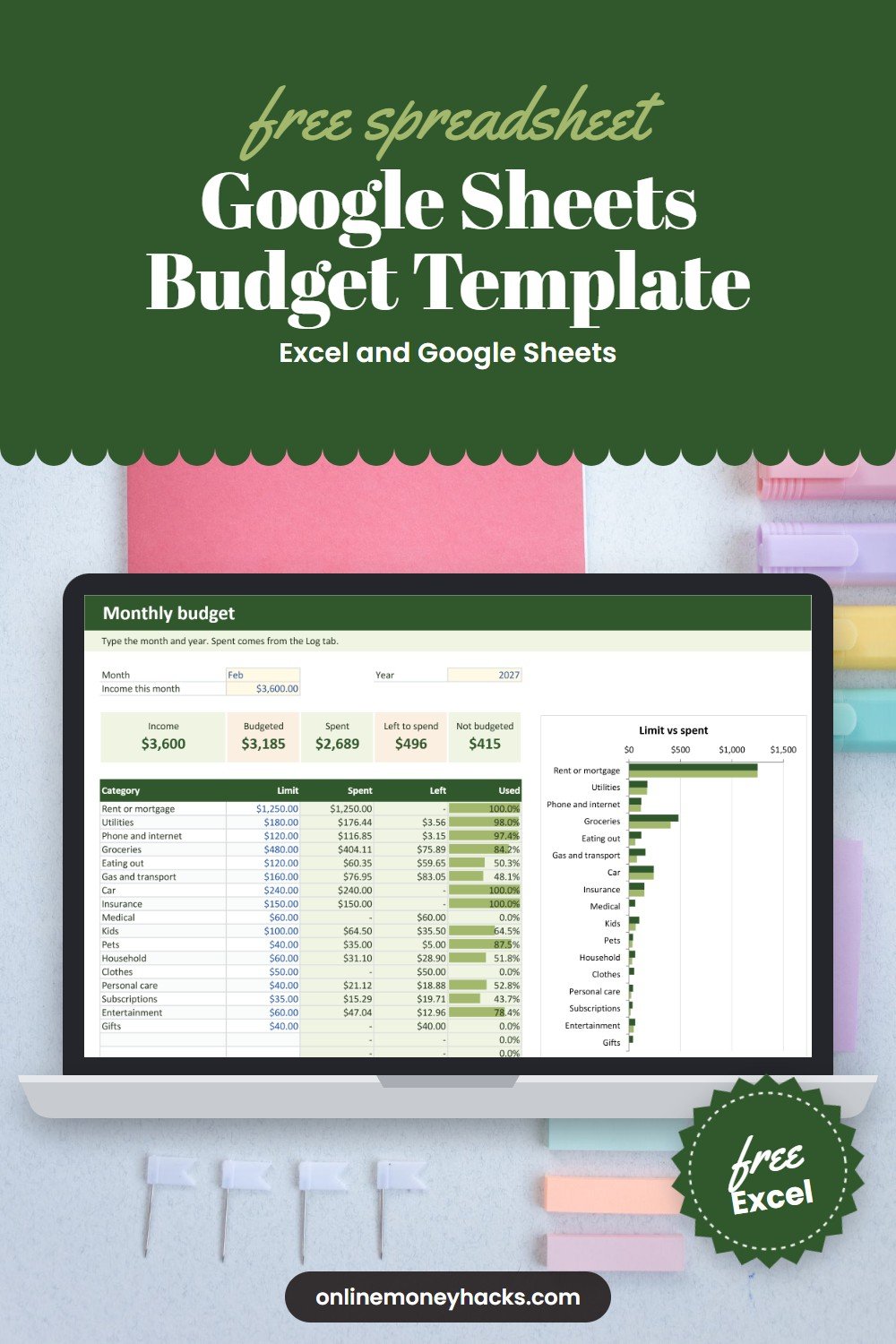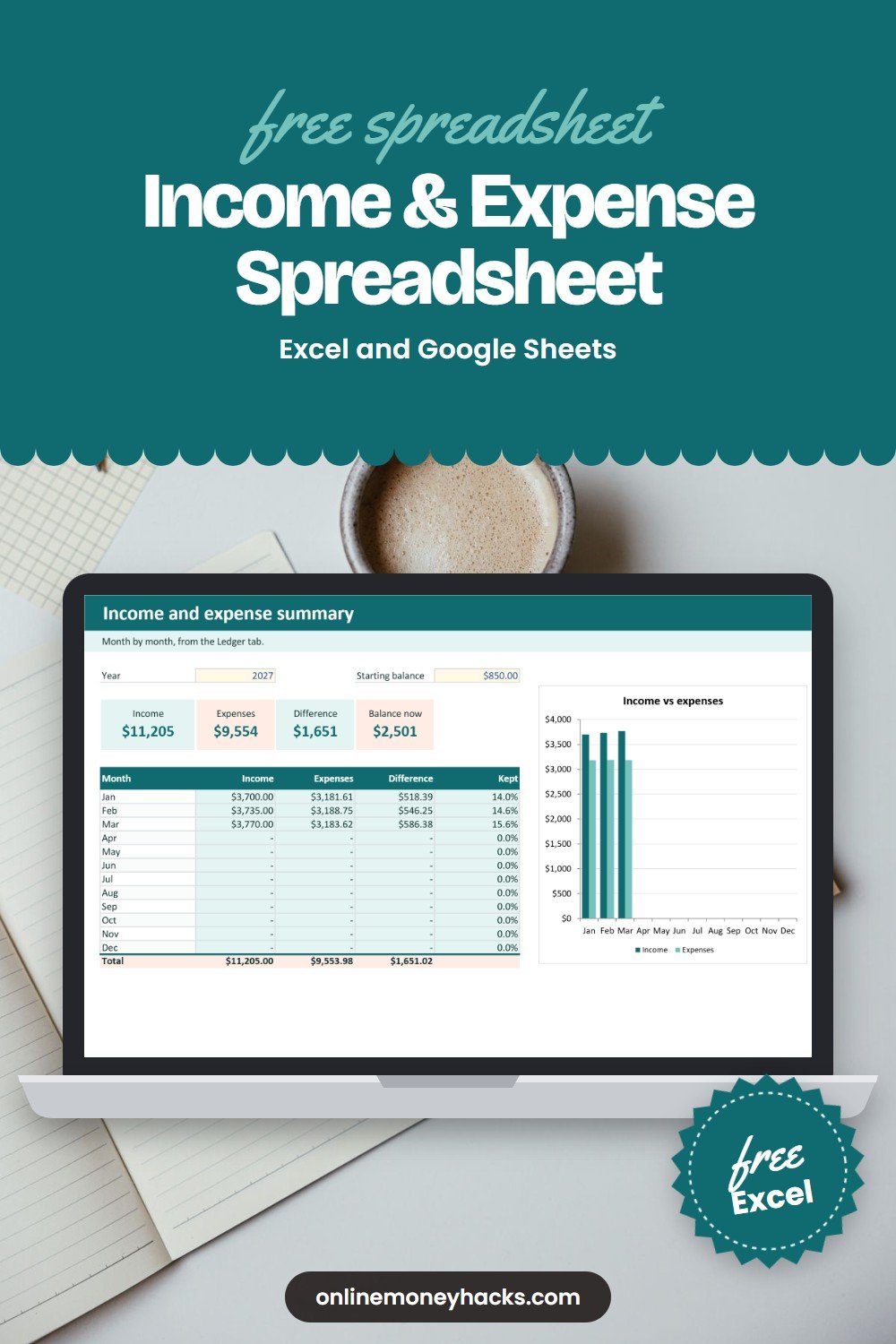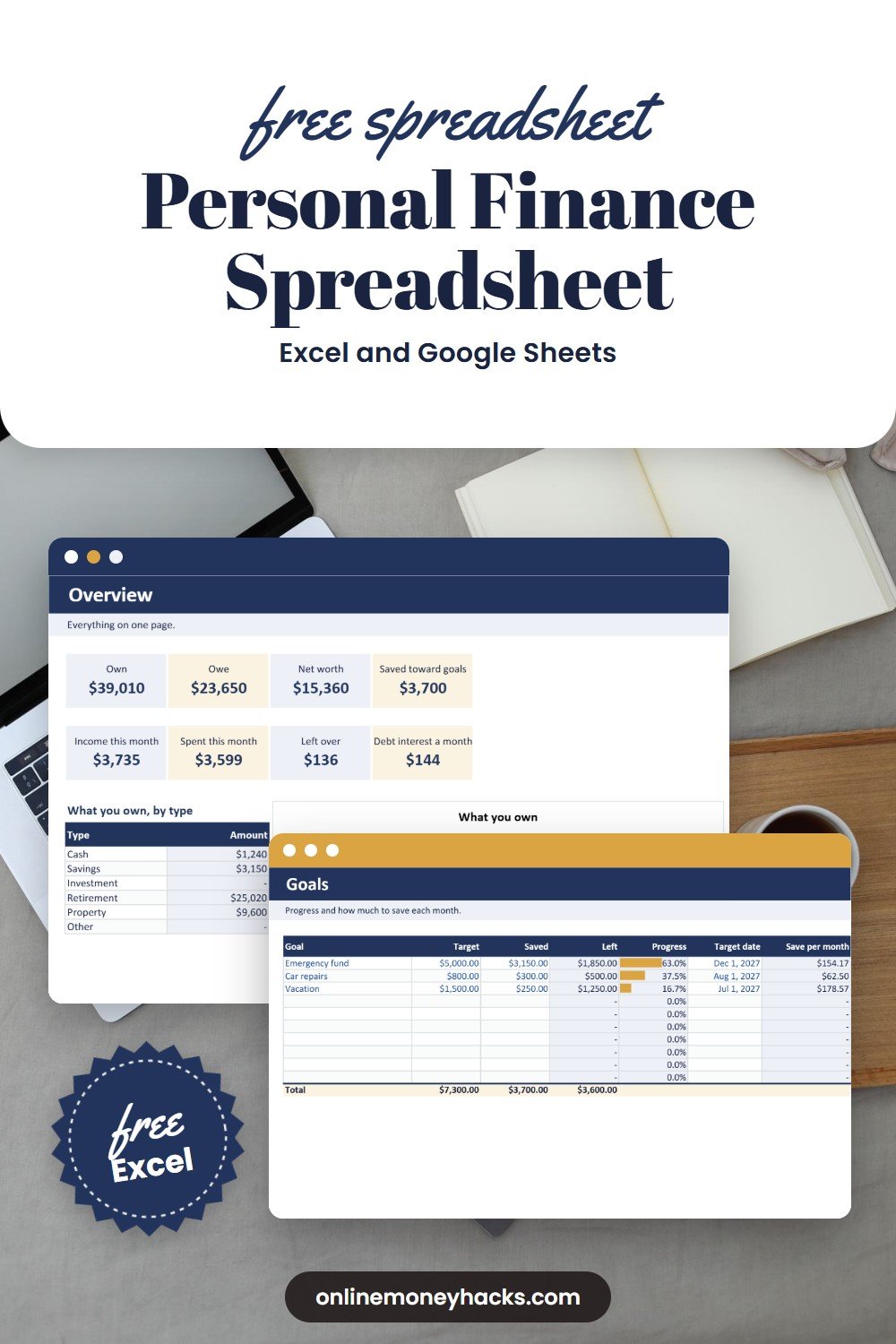
What is inside
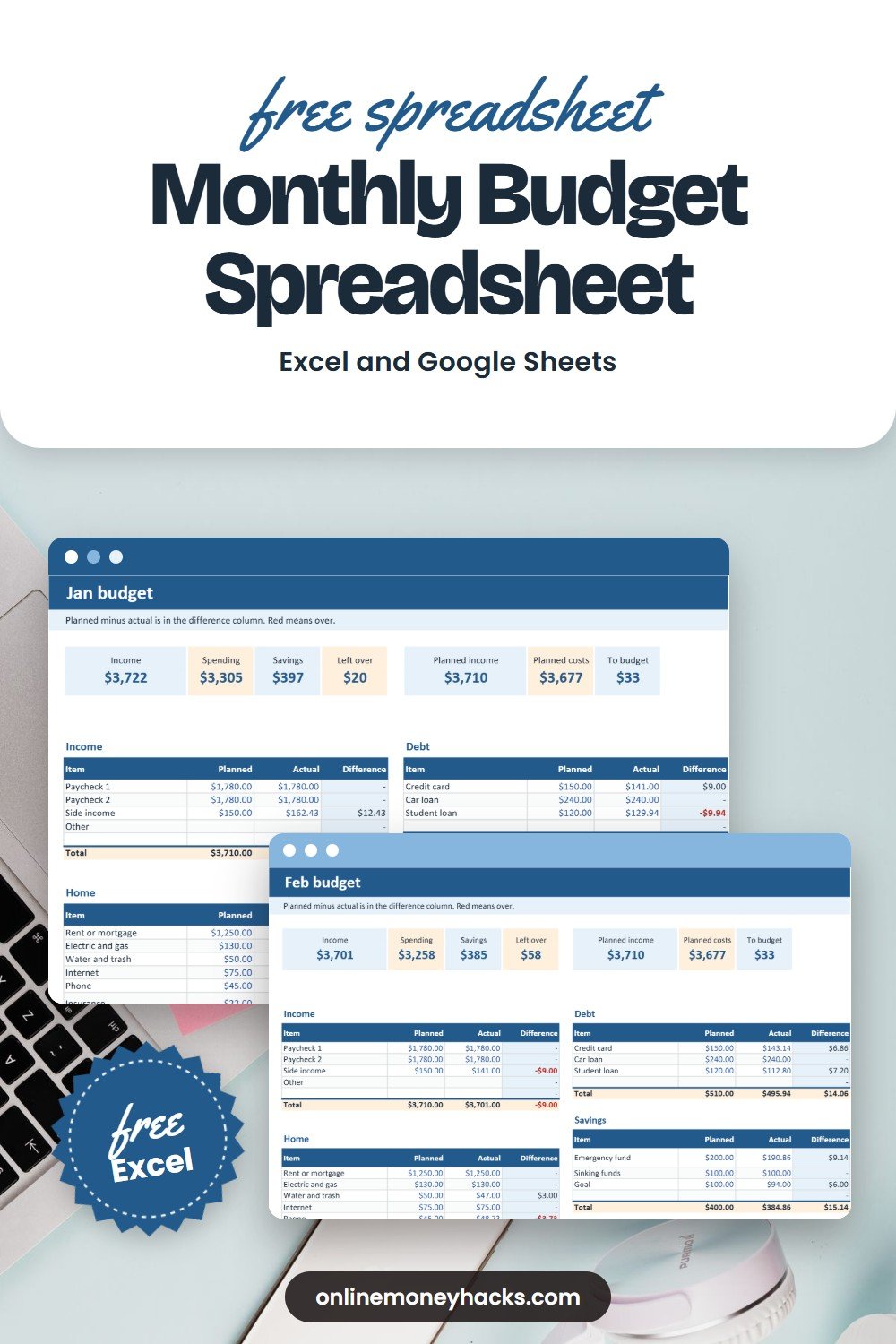
- A tab for every month
- Six sections with planned, actual and difference
- A chart of where the money went
- A year tab
How to use it
Type planned amounts on Jan and copy them forward. Fill in actual amounts as the month goes on. Red numbers are over plan.
The file is an Excel workbook (.xlsx). It also opens in Google Sheets: upload it to Google Drive, right-click it and choose Open with, then Google Sheets. The previews show sample numbers. Your copy comes empty. It is free for personal use.
Goes well with: Budget Spreadsheet for Excel and Monthly Budget Template Printable.
Questions
Can I add my own lines?
Yes. Each section has empty rows, and you can rename any item.
Do the months add up on their own?
Yes. The Year tab reads every month.
Full guide: 50/30/20 Budget Rule Explained (With Real Examples on $3,000 a Month)