What is inside
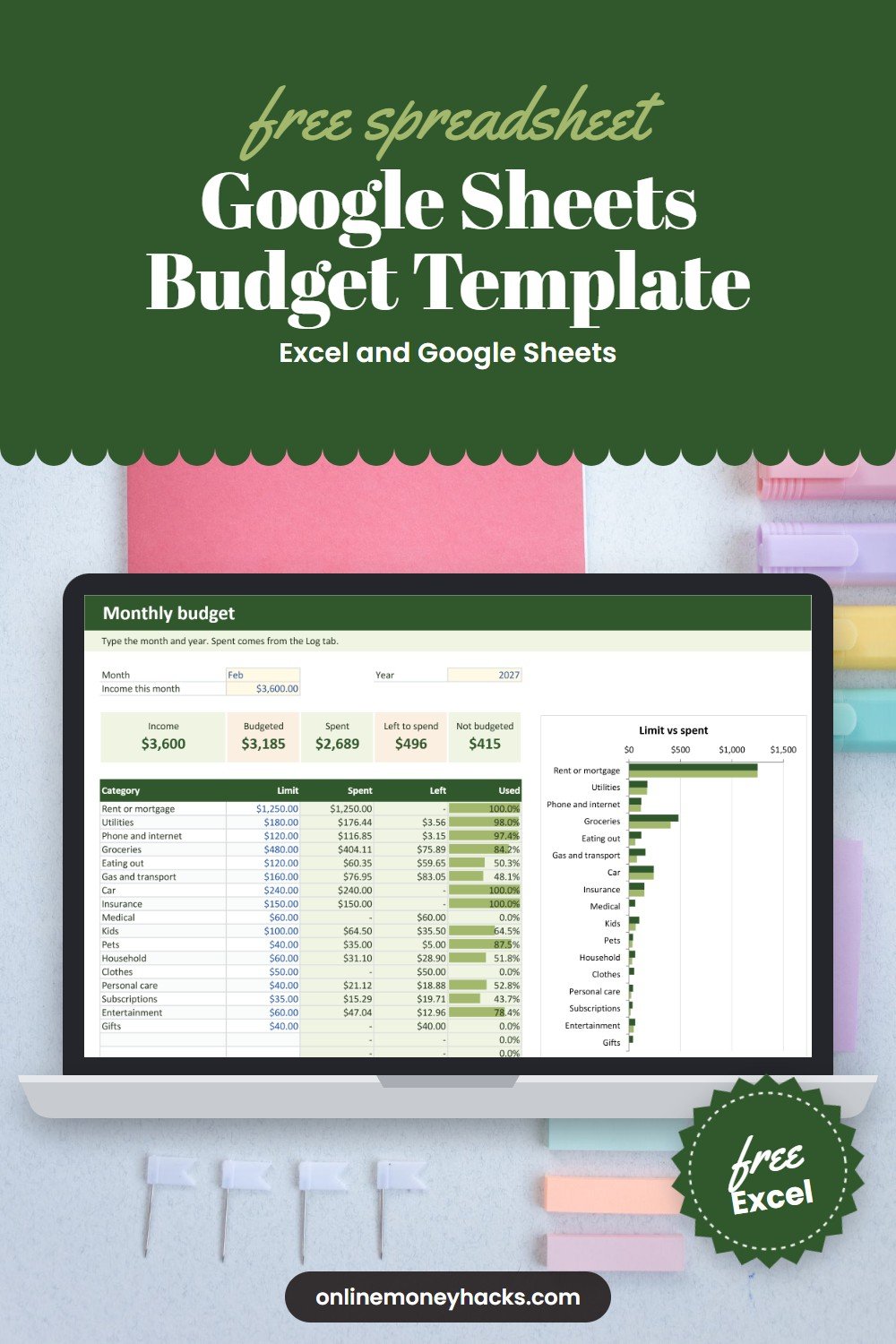
- A budget tab with spent and left
- A spending log
- A savings tab for eight goals
- A chart of limit vs spent
How to use it
Upload the file to Google Drive, open it with Google Sheets and choose File, Save as Google Sheets. After that you can add spending from the Sheets app on your phone.
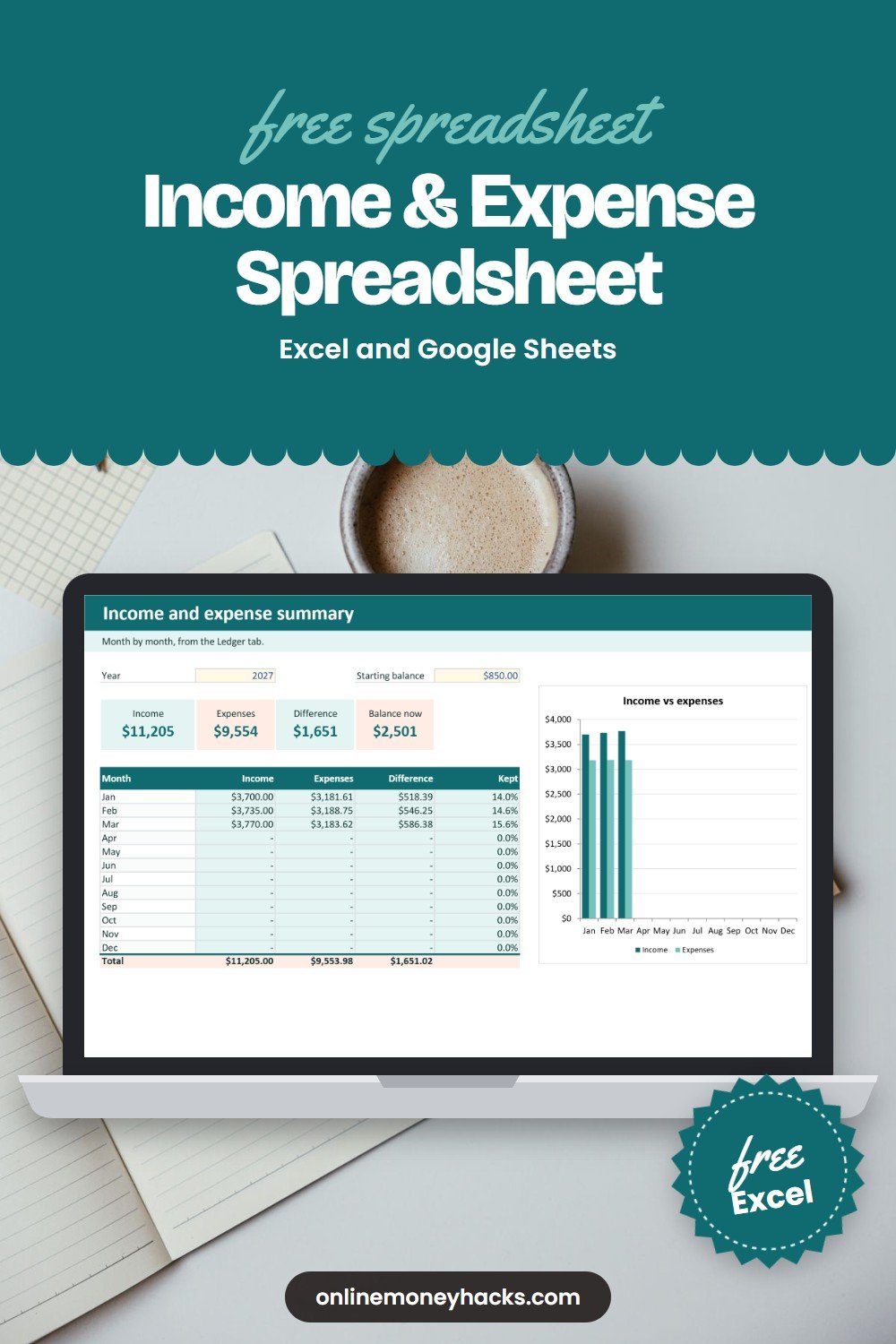
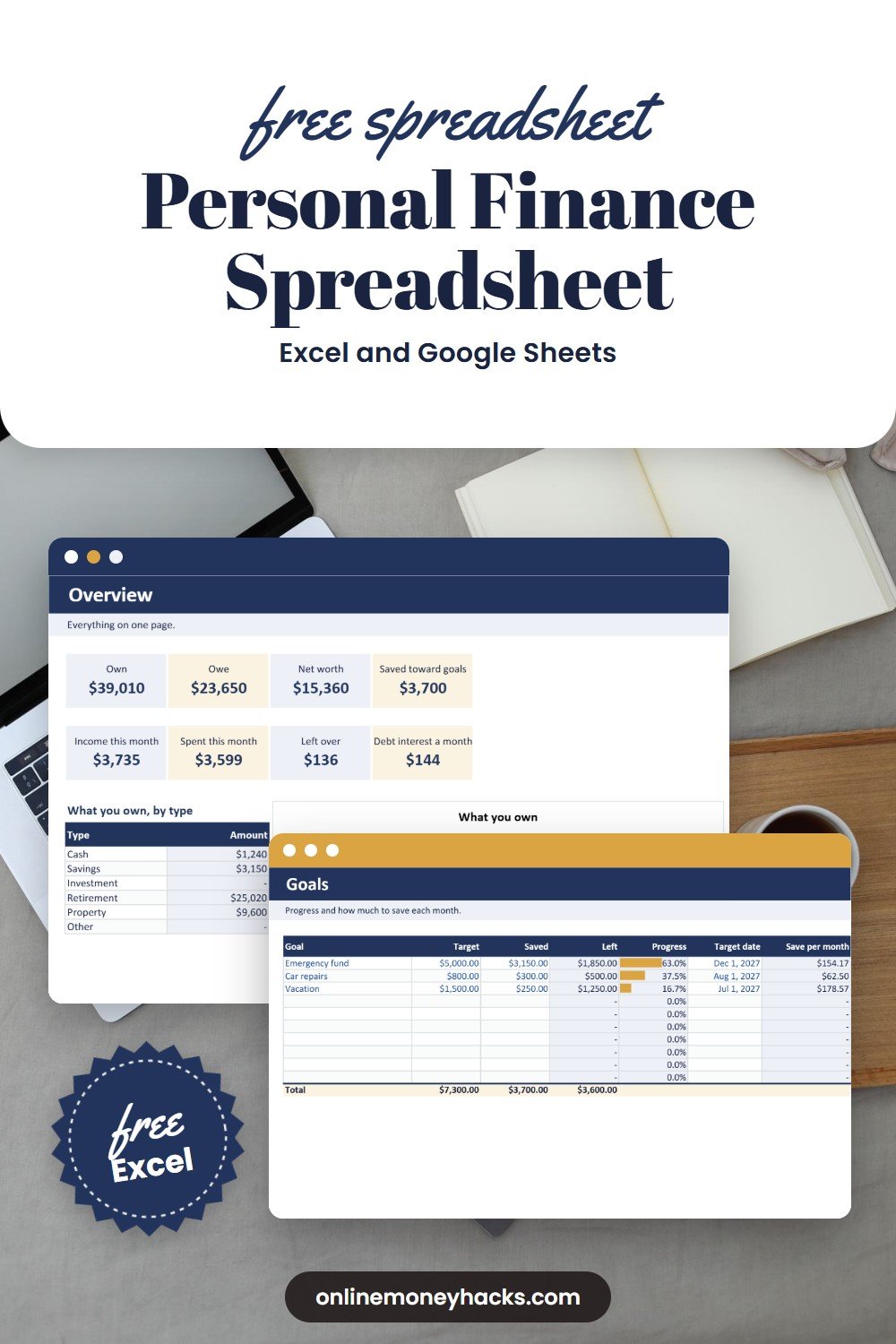
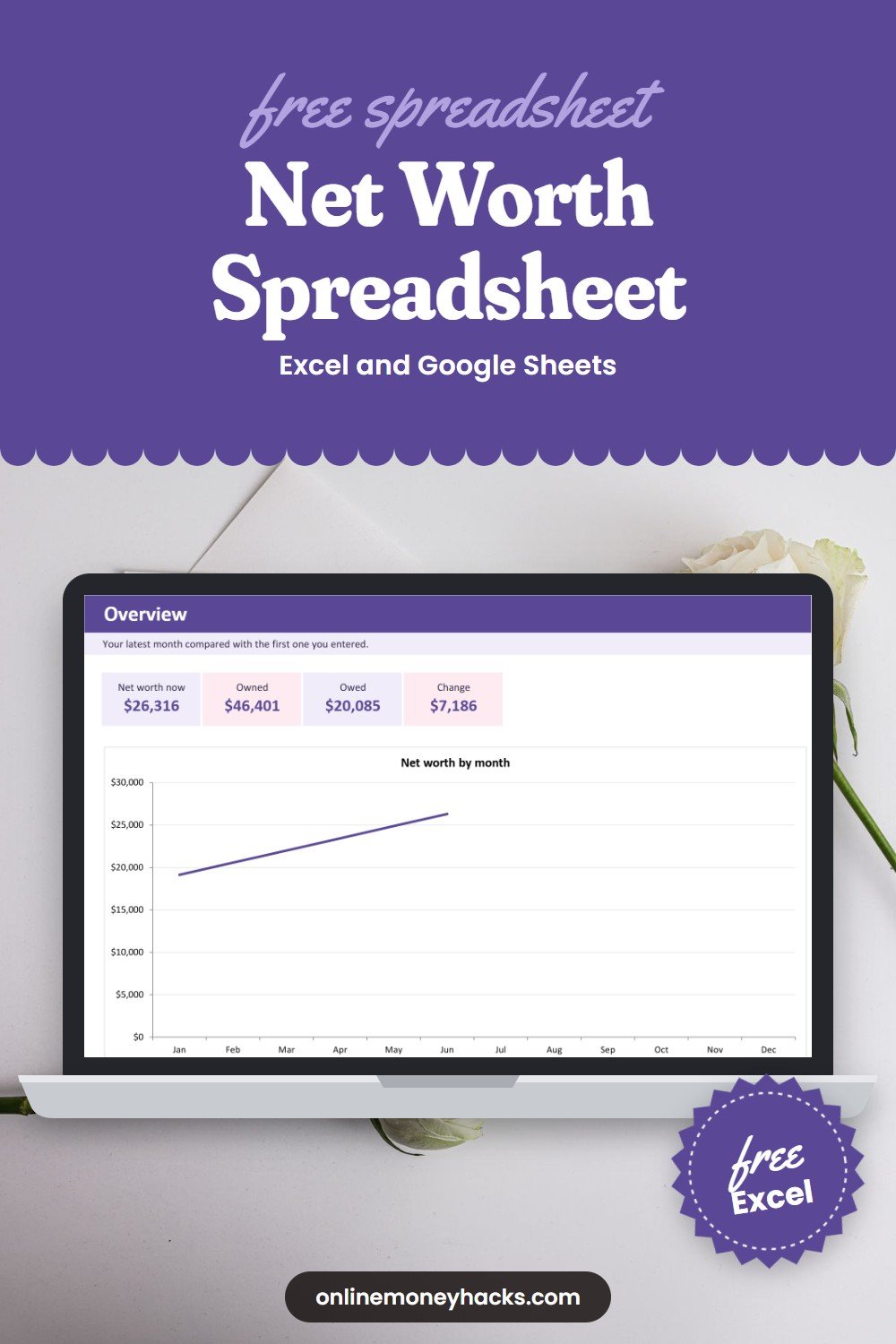
The file is an Excel workbook (.xlsx). It also opens in Google Sheets: upload it to Google Drive, right-click it and choose Open with, then Google Sheets. The previews show sample numbers. Your copy comes empty. It is free for personal use.
Goes well with: Expense Tracker Spreadsheet and Budget Spreadsheet for Excel.
Questions
Why is the download an Excel file?
Google Sheets opens Excel files. Saving it as a Google Sheet gives you your own private copy.
Can two people use it?
Yes. Share your copy with your partner in Google Drive.
Full guide: How to Make a Budget for Beginners: 7 Easy Steps (Free Printable)