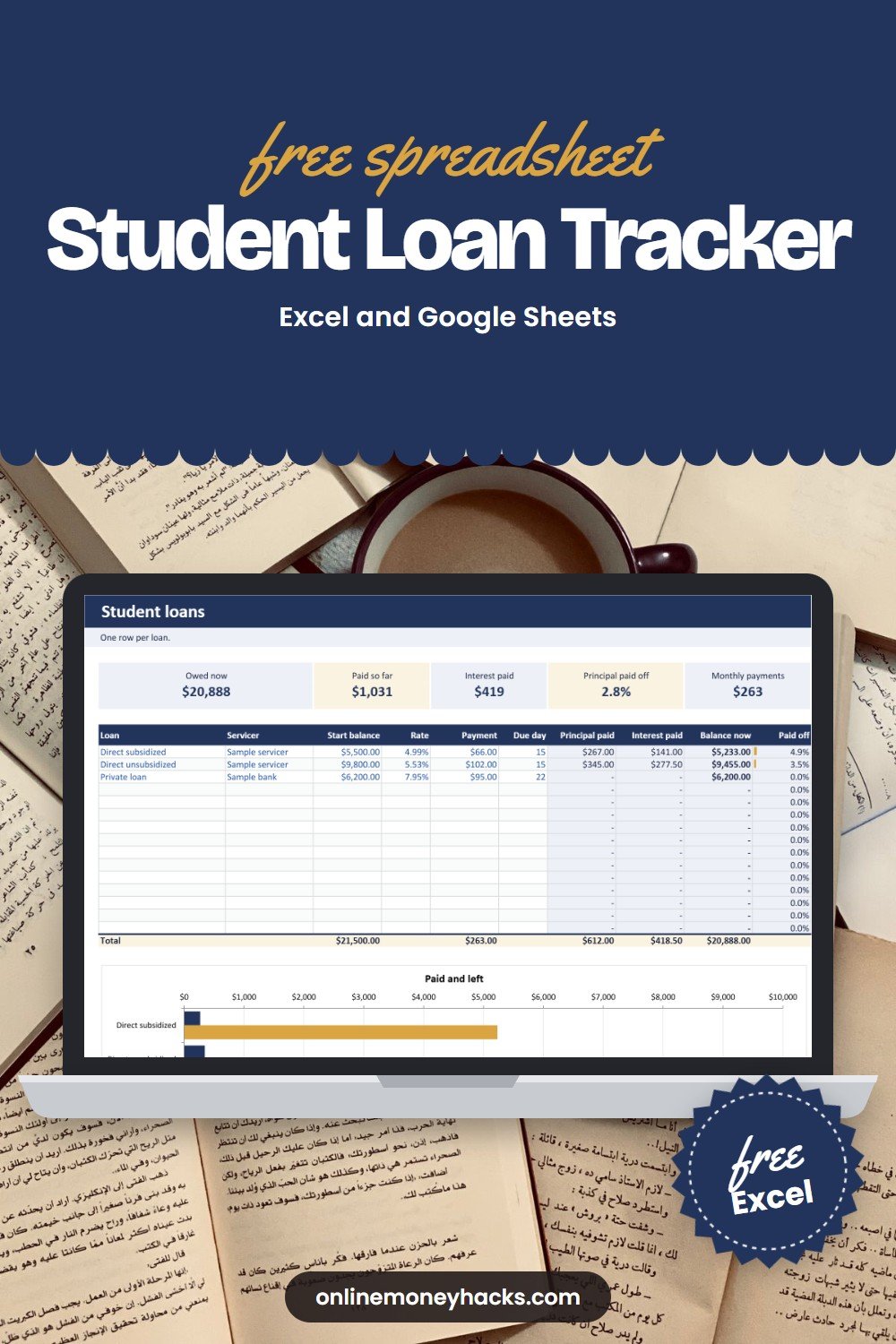
What is inside
- 15 loans with servicer and rate
- A payment log
- Balance and percent paid
- A chart of paid and left
How to use it
Copy starting balances from your servicer. After each payment, type the principal and interest shown on the statement.
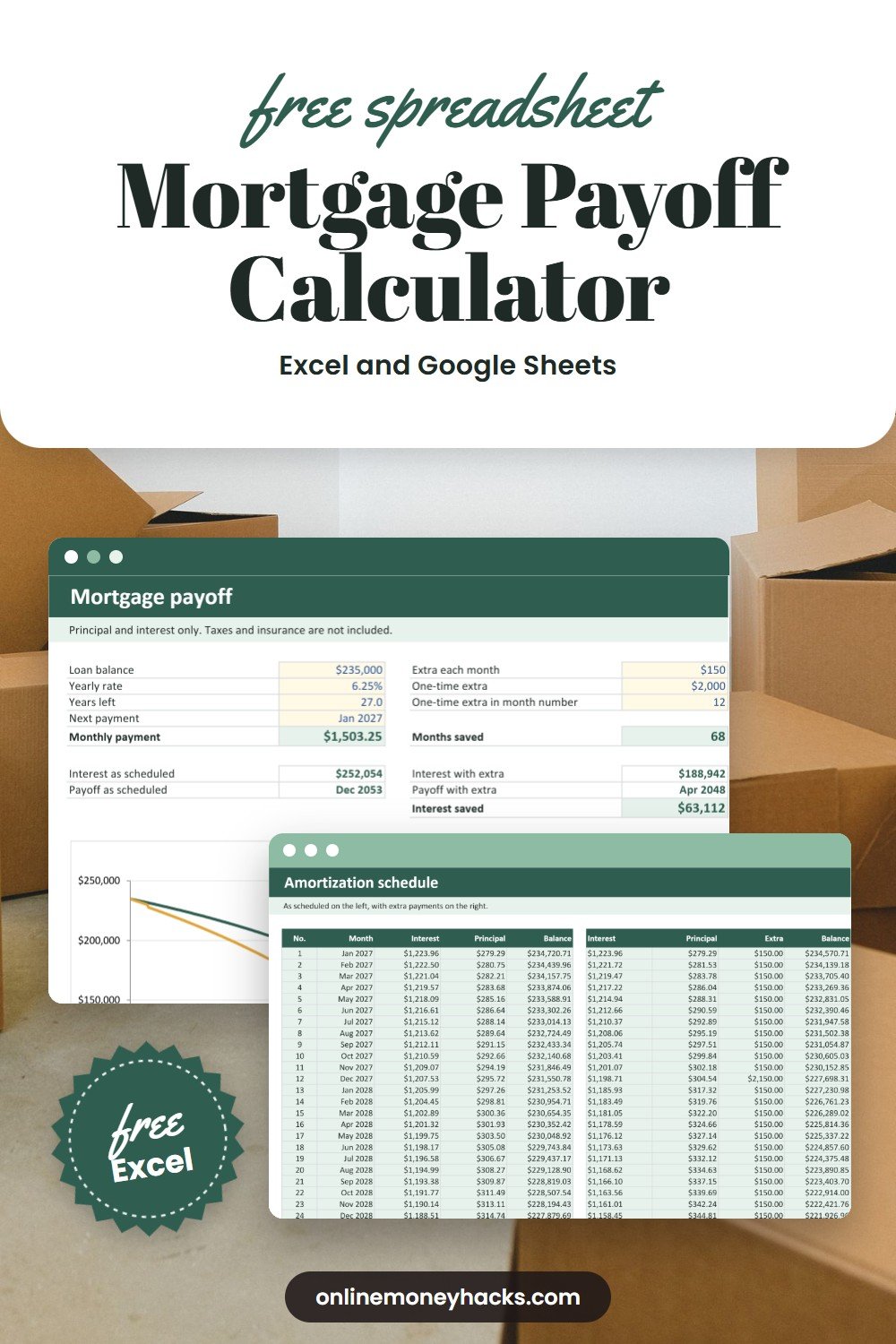
The file is an Excel workbook (.xlsx). It also opens in Google Sheets: upload it to Google Drive, right-click it and choose Open with, then Google Sheets. The previews show sample numbers. Your copy comes empty. It is free for personal use.
Goes well with: Debt Avalanche Spreadsheet and College Budget Template Printable.
Questions
Where do I find all my federal loans?
Log in at studentaid.gov to see your federal loans and servicers.
Does it handle private loans?
Yes. Add them as separate rows.
Full guide: New Year Financial Reset Checklist: 21 Steps to Start Fresh