
What is inside
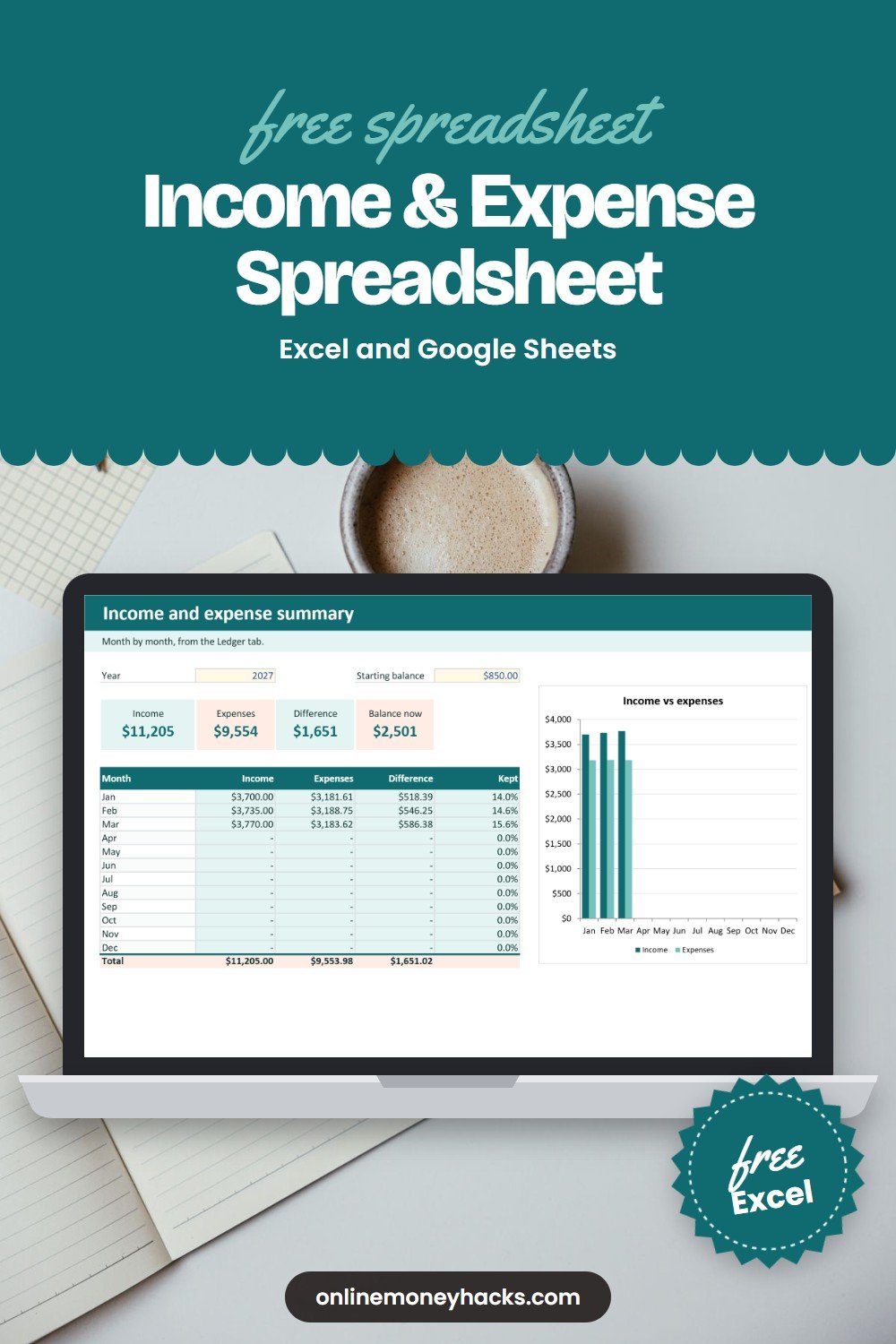
- An expense log with 1,500 rows
- Totals by category and month
- Two charts
- Biggest category and monthly average
How to use it
Type your categories on Summary, then log expenses. You can paste rows from a bank download into the log if the columns match.
The file is an Excel workbook (.xlsx). It also opens in Google Sheets: upload it to Google Drive, right-click it and choose Open with, then Google Sheets. The previews show sample numbers. Your copy comes empty. It is free for personal use.
Goes well with: Expense Tracker Printable and Income and Expense Spreadsheet.
Questions
Can I change the categories?
Yes. Type over them on Summary and the list updates.
How many expenses can I log?
1,500 rows, and you can copy rows down for more.
Full guide: How to Make a Budget for Beginners: 7 Easy Steps (Free Printable)